iOS & macOS
A lightweight time tracking app built with SwiftUI and SwiftData. Your data stays on your device; no account, no cloud, no subscription.
iPhone & iPad
Full featured mobile app with real time session tracking and Live Activity on your lock screen and Dynamic Island.
macOS 14+
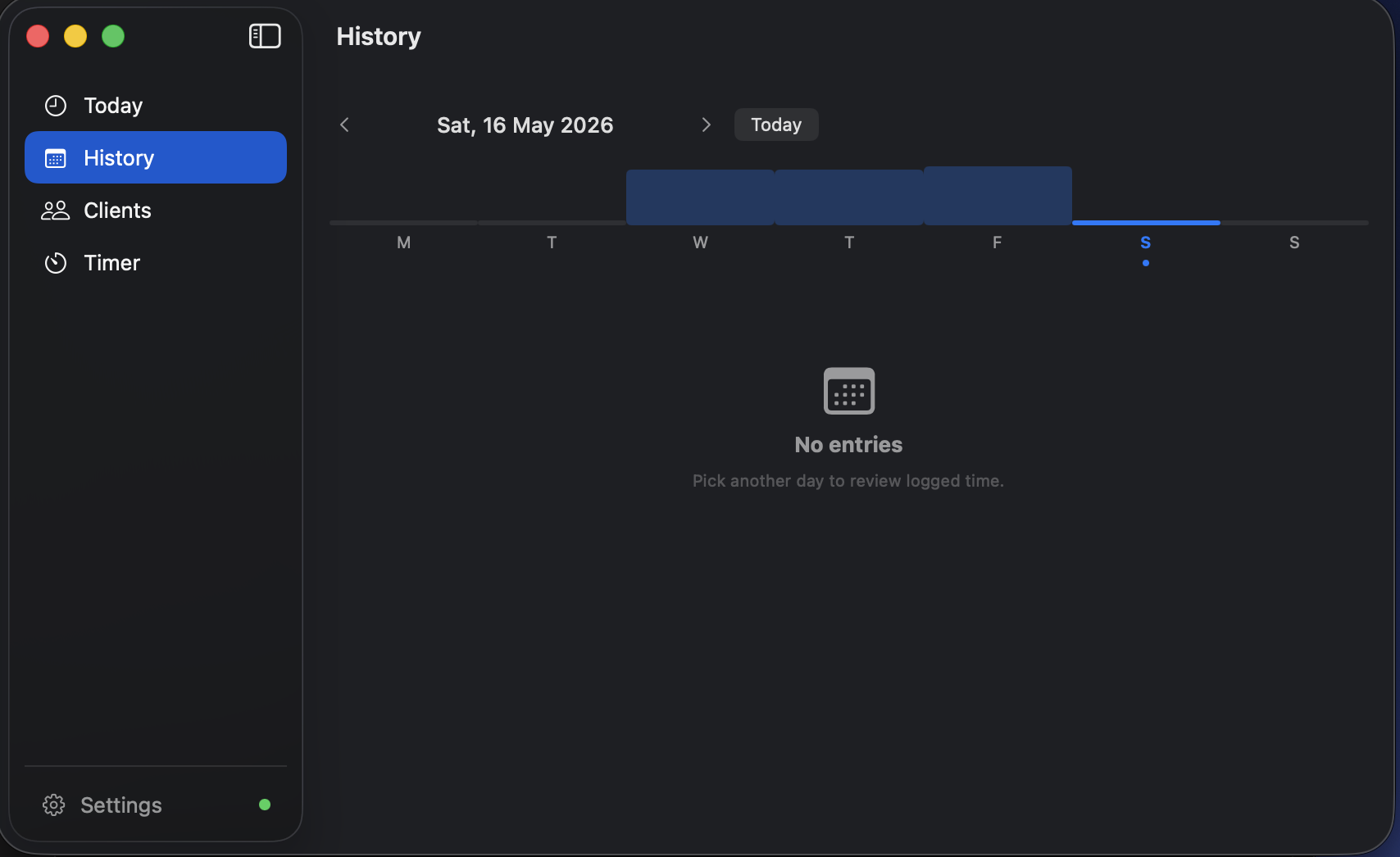
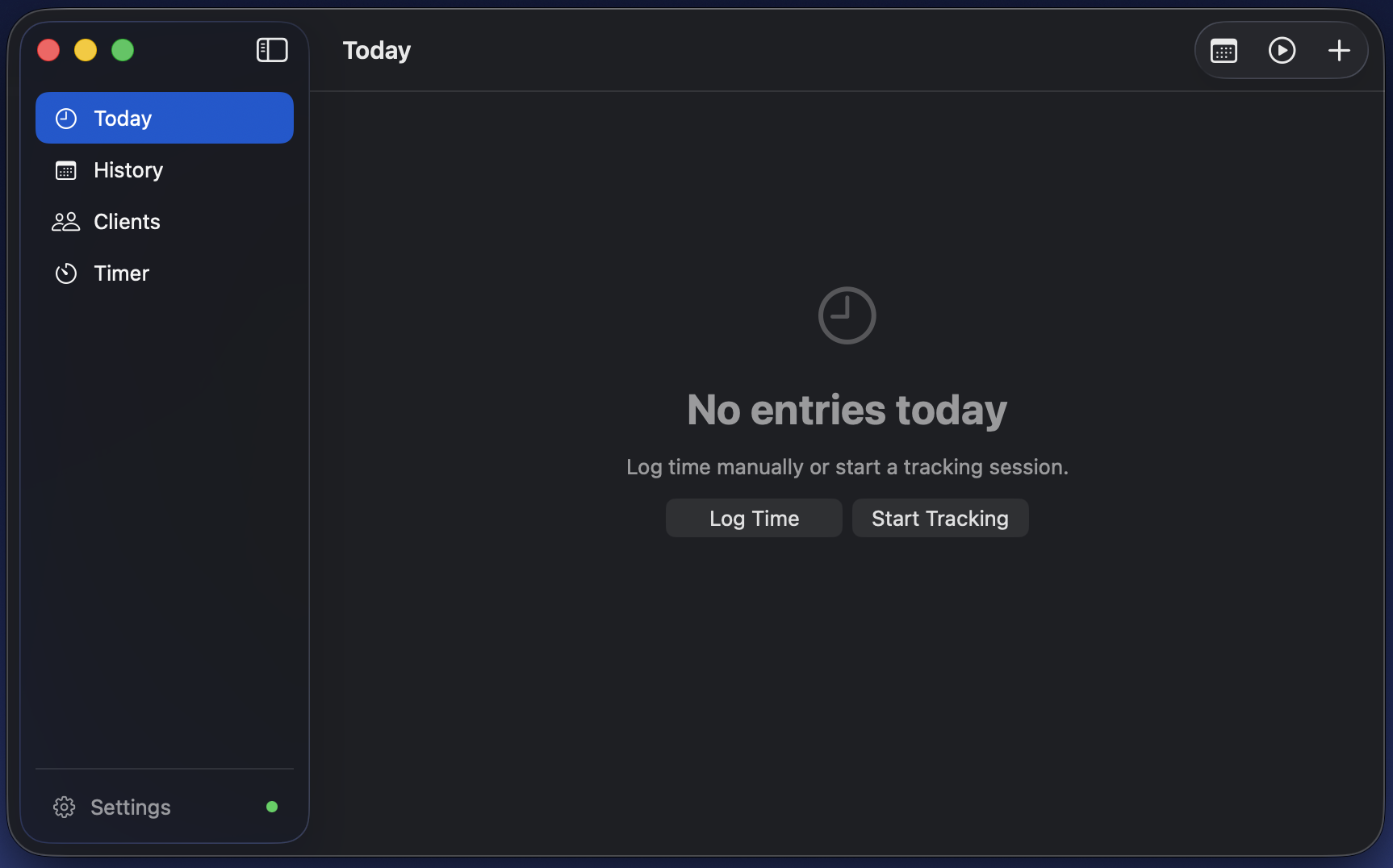
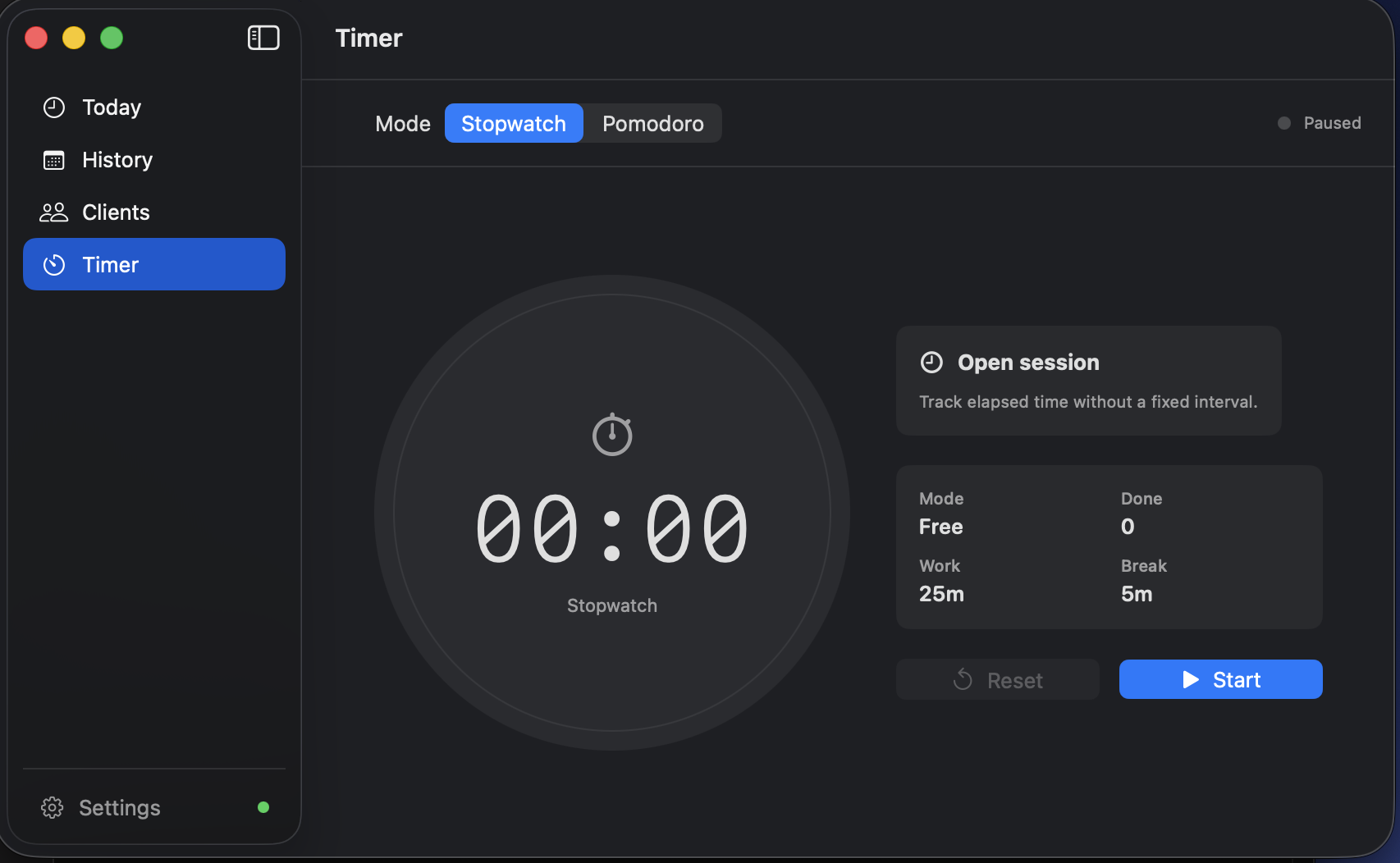
Native macOS app that lives in your menu bar. Always visible, never in the way, with a full window for deep work sessions and client management.
In Action
Every pixel follows the macOS HIG. No Electron, no web views, just SwiftUI rendering on Metal.
Highlights
Built for developers and freelancers who want a native app, not another Electron wrapper or subscription SaaS.
Tap once to start a session. Duration is logged automatically when you stop. Multiple sessions can run simultaneously.
Configurable focus and break intervals with a ring progress view and lock screen notification when a phase ends.
Every session, client and project lives in a SwiftData store on your device. Nothing is uploaded, nothing is tracked, nothing to sign up for.
Active sessions and the running timer appear live in your Dynamic Island and on the lock screen via ActivityKit.
All credentials live exclusively in the system Keychain. No analytics, no third party SDKs, no data leaves your infrastructure.
Assign colors to each client. Projects inherit the client palette and collapse cleanly when archived.
The Today view sums all sessions in real time. See exactly how much time went to each client without doing the math.
Configure a daily reminder to start tracking, and a threshold alert if a session is still open past your end of day time.
The iOS app uses only first party Apple frameworks; no CocoaPods, no SPM cloud packages, no Electron.
Sparkle integration delivers one click updates inside the app. Each release is signed with EdDSA; the app verifies the signature before installing. No App Store, no manual DMG download after the first install.
Architecture
There is no server, no account and no telemetry. Timelog writes to a local SwiftData store and that is the whole story.
Clients, projects, sessions and entries live in a SwiftData store on the device that created them. No network call is made to save your work.
Pick a nickname on first launch and start tracking. No email, no password, no server to deploy and keep alive.
Export the week straight to email from Settings whenever you need to hand your hours to someone else.
Stack
No Electron, no React Native, no subscriptions. Just Swift and Apple frameworks the way they were designed to be used.
Download
Download the latest DMG, drag it to Applications, and you're done. No App Store, no account required.
.dmg, then drag Timelog.app into your Applications folder.